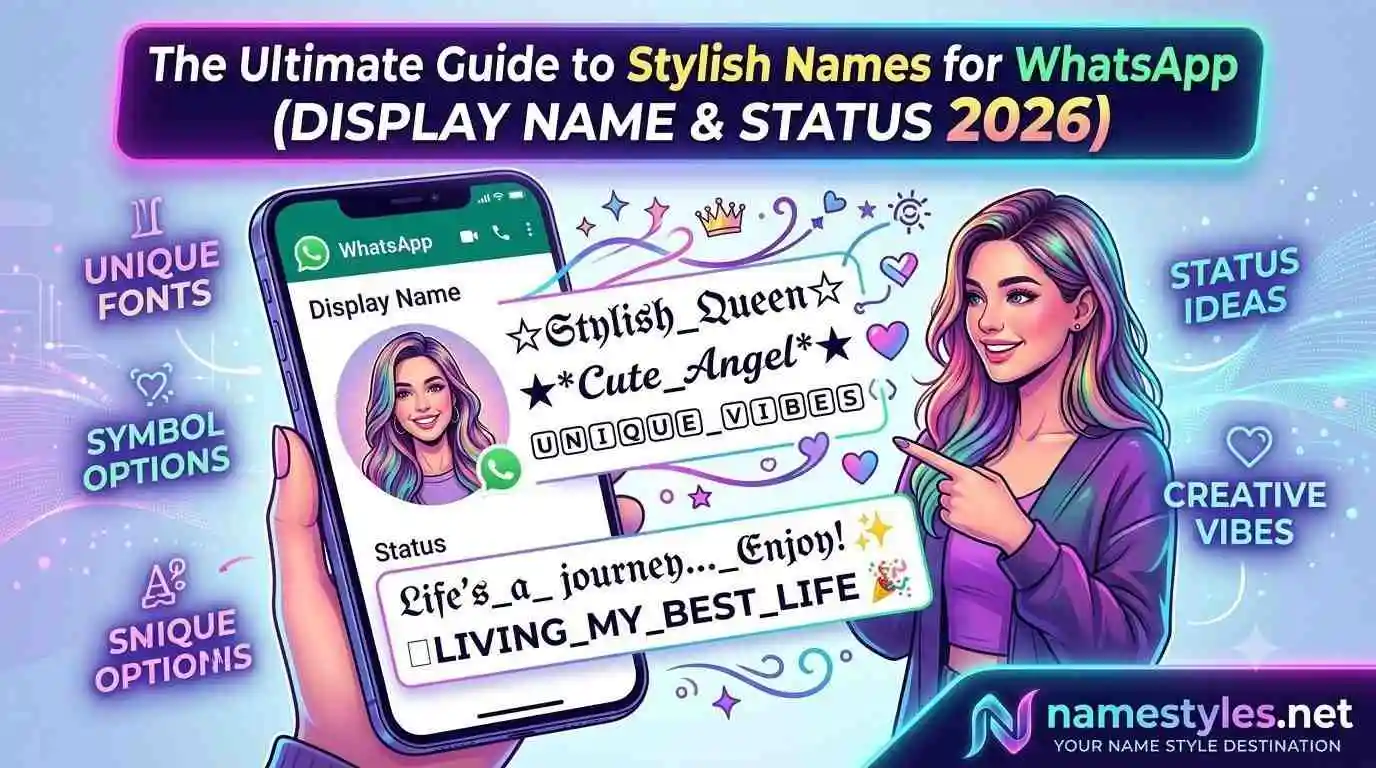
The Ultimate Guide to Stylish Names for WhatsApp (Display Name & Status 2026)
WhatsApp is the one app that nearly every smartphone user in India opens multiple times a day. It's where you message your mother, your boss, your best friend, and your college group—all in the same interface. Your display name sits at the top of every chat, every notification, and every group member list. A stylish name here isn't just about vanity; it's about expressing your personality in a space that feels truly personal.
Yet, there's surprisingly little reliable guidance on how to create a WhatsApp name that looks great without breaking the experience for others. Many websites dump hundreds of flashy fonts without explaining which ones actually work on older phones or whether they'll render as boxes on your aunt's keypad phone. This guide fills that gap. It covers everything: the technical rules, the safe symbols, the creative strategies, the privacy considerations, and the real-world testing you should do before saving.
1. WhatsApp Name Rules You Must Know
WhatsApp's naming system seems simple, but there are nuanced limits that most users discover only after a failed paste. Let's break them down precisely.
Character Limits
- Display name: Up to 25 characters. Every letter, symbol, emoji, and space counts individually. A name like “✨ 𝓡𝓪𝓱𝓾𝓵 ✨” is 9 characters—well within the limit. However, a heavily decorated name like “꧁⚔️ 𝕽𝖆𝖍𝖚𝖑 ⚔️꧂” is 13 characters, still safe but leaving less room for additional text.
- About / Status: Up to 139 characters. This is where you can add a longer stylish line, a quote, or a combination of text and emojis. The status updates in real‑time, and you can change it as often as you like.
What Happens When You Exceed the Limit?
WhatsApp stops accepting input after 25 characters. You cannot paste a longer name. If you try to force a longer name through a backup restore or third‑party tools, it may be truncated or rejected by the server. So always count your characters before finalizing.
Name Change Frequency
WhatsApp doesn't limit how often you change your display name. However, changing it multiple times a day can confuse your contacts. If you have a large number of people who haven't saved your number, they rely entirely on your display name to recognize you. A sudden change can cause them to delete your chat or block you unintentionally.
2. Symbols That Work on Every Device
WhatsApp runs on Android (Samsung, Xiaomi, OnePlus, etc.), iOS, KaiOS (used by JioPhone), and Web. The same symbol can look slightly different across platforms, but the following categories have proven reliable across all versions:
| Category | Symbols | Best For |
|---|---|---|
| Hearts & Love | ❤️, 💖, 💘, 💕, ♥ | Personal profiles, couples |
| Stars & Sparkles | ✨, ★, ✧, ✦, ✵, ⋆ | Clean, modern look |
| Flowers & Nature | 🌸, ✿, ❀, 🌺, 🌻 | Soft, feminine style |
| Crowns & Royal | 👑, ♛, ༒ | Confident, premium |
| Brackets | 【, 】, 『, 』, ( ) | Minimal framing |
| Emojis | All standard emojis are safe | Universal appeal |
Why Some Symbols Fail
Every device has a default font that contains a limited set of characters. When you use a symbol from a rarely‑used Unicode block, the phone may not have a glyph for it, so it displays an empty rectangle. This is especially common with mathematical script letters, ancient scripts, and combining diacritics. Our generator specifically avoids these problematic ranges, which is why names from NameStyles have a higher success rate on old phones.
3. Matching Your Name to Your Audience
Unlike Instagram or Free Fire, where your name is a public showcase, WhatsApp serves multiple audiences. A name that works for your gaming group might feel inappropriate for your office colleagues. Below are recommended approaches for different contexts, along with examples that use safe symbols.
Professional & Office‑Friendly
Keep it minimal. A simple bracket or a single symbol before your name adds a touch of style without being distracting. Examples:
- 【Rahul】
- (Priya)
- ⚡ R. Sharma
- 〽️ Anjali • HR
These styles convey professionalism while still looking polished. They are also unlikely to trigger any confusion among older contacts.
Family & Close Friends
Warm, soft decorations work best. Hearts, stars, and flowers create a friendly vibe. Examples:
- 🌸 Mom ❤️
- ✨ Dad ✨
- 💖 Anita Didi 💖
- ꧁༺ 𝓐𝓭𝓲𝓽𝔂𝓪 ༻꧂
Gamer & Attitude
If most of your WhatsApp groups are gaming‑related, you can afford a bolder style. Use lightning, crowns, or aggressive symbols. Examples:
- ϟ 𝙿𝚁𝙾 Rahul
- ꧁⚔️ 𝕯𝖊𝖒𝖔𝖓 ⚔️꧂
- 亗 𝙺𝙸𝙻𝙻𝙴𝚁 ツ
However, note that such names may appear unprofessional if a work contact messages you. Consider using a separate WhatsApp account if you need to maintain both personas.
4. Crafting a Stylish Status That Complements Your Name
Your About status is an extension of your name. It can be a quote, a joke, an emoji‑only line, or a short description. Because it supports up to 139 characters, you have more room to express yourself.
Pairing a stylish name with a matching status creates a cohesive profile. For example:
- Name: ✨ 𝓟𝓻𝓲𝔂𝓪 ✨
Status: 🌸 Living life in full bloom - Name: 亗 𝙿𝚁𝙾 Rahul
Status: 🎮 Grinding. Don't disturb. - Name: 💖 Anjali 💖
Status: 💫 Spread love everywhere you go
Keep the status relevant to your current mood or a consistent theme. Changing it occasionally keeps your profile fresh without confusing anyone.
5. Step‑by‑Step: How to Set a Stylish WhatsApp Name and Status
- Generate or create your name: Use our stylish name generator or manually combine safe symbols with your name. Tap to copy.
- Open WhatsApp: Tap the three dots (⋮) on the top right, then Settings.
- Tap your profile picture at the top of the Settings screen.
- Edit your name: Tap the pencil icon next to your name, paste the new stylish name, and tap Save.
- Edit your status: Go back to your profile, tap the pencil icon next to About, paste your stylish status, and save.
Changes take effect immediately. Your contacts will see the new name in their chat list, notifications, and group members list.
6. Stylish WhatsApp Group Names
Group names also support Unicode. You can apply the same decorative techniques to your family group, friend circle, or work team. Since group names appear in the header of every chat and in the group list, a well‑styled name adds a sense of identity.
Examples:
- 🏡 Sharma Family 🏡
- ꧁༺ 𝕲𝖆𝖓𝖌 𝕺𝖋 𝕱𝖗𝖎𝖊𝖓𝖉𝖘 ༻꧂
- ✨ College Squad ✨
- ⚡ Night Owls ⚡
Group name limits are similar to display names (25 characters). Only group admins can change the group name.
7. Privacy Considerations
WhatsApp is end‑to‑end encrypted, but your name and status are visible to anyone who has your phone number saved in their contacts. They don't need your permission to see it. If you have privacy concerns, avoid including sensitive personal information (like your full name, location, or phone number) in your display name.
Additionally, if you have your profile picture set to "My Contacts", your name remains visible even to people who cannot see your photo. So a stylish name is one of the few things about your profile that is semi‑public. Choose it wisely.
8. Common Mistakes and How to Fix Them
- Using unsupported symbols: Test your name by sending it in a chat to yourself or a close friend. If you see squares, replace the problematic character with a safer alternative from our table.
- Making the name too long: WhatsApp truncates after 25 characters. If your name gets cut, shorten it or remove unnecessary symbols.
- Changing it too frequently: People may lose track of who you are. If you must change often, keep the core part of your name consistent (e.g., always include your first name).
- Ignoring the audience: A gamer‑style name might embarrass you when your boss messages. Consider creating a balanced style that works across all groups.
9. Frequently Asked Questions
10. Ready to Upgrade Your WhatsApp Name?
You now have a complete understanding of WhatsApp's limits, the symbols that work, the creative strategies for different audiences, and the common pitfalls to avoid. The final step is to pick a style and apply it confidently.
Go to namestyles.net, type your name, explore the clean and elegant styles, and copy the one that feels right. It takes seconds, and it makes your everyday chats a little more personal—without causing trouble for anyone else.
✨ Create My WhatsApp Stylish Name Now