NameStyles 2026 — How the Engine Builds 1000+ Styles (and What's New This Year)
You already know NameStyles turns any name into 1000+ styles. This is the technical breakdown of how that actually happens — the engine behind the categories — plus what's changed since launch. Want to just try the tool instead? Open the generator →
1. The Dynamic Engine: Templates + Transformations
Most people assume the generator just has a giant list of pre‑made names. It doesn't. Instead, it combines two layers: fixed templates and on‑the‑fly transformation functions. That combination is what makes the output feel tailored to your specific input, not a generic placeholder swap.
Templates — the structural frames
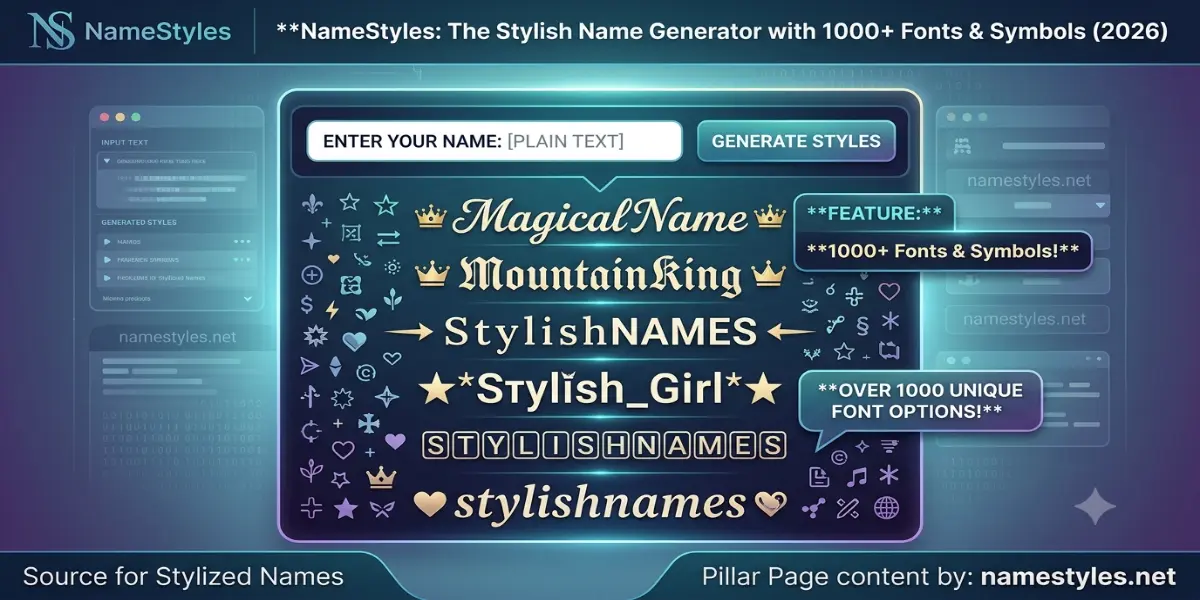
Every category (Royal, Gaming, Love, Aesthetic, etc.) contains a set of templates. A template looks like this: ꧁⚔️ {name} ⚔️꧂. The {name} part is where your typed text gets inserted. Some categories have dozens of templates; others have just a few. But templates alone would only give you the frames — the actual letters inside would stay plain.
Transformation functions — the letter‑by‑letter magic
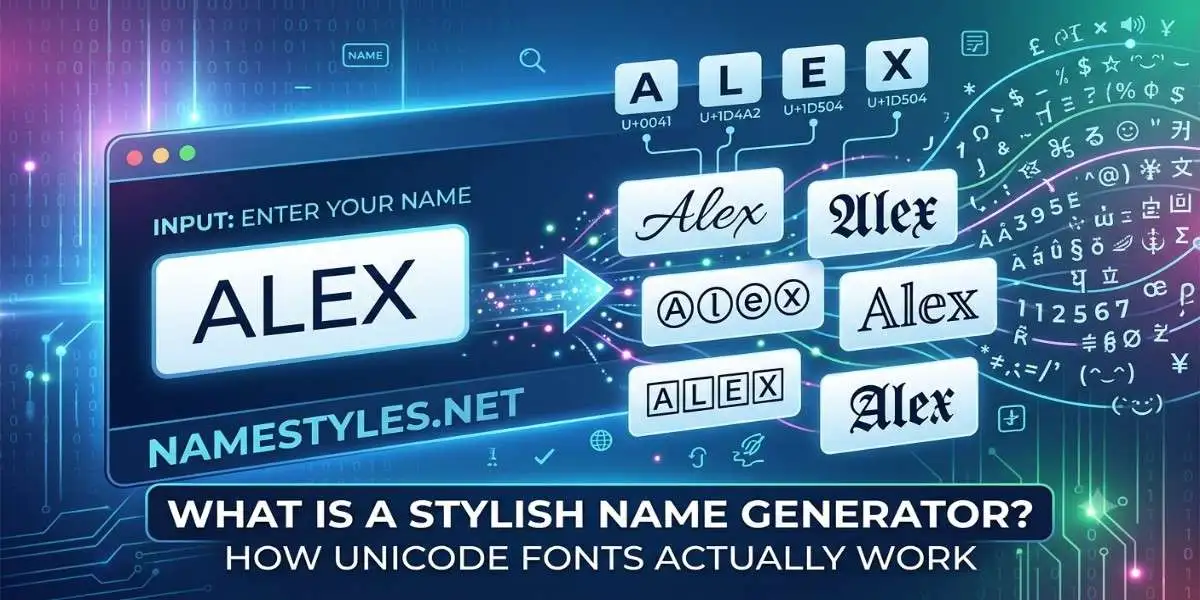
This is where the engine really does the work. Over 70 transformation functions are loaded and applied in different combinations. Each function is a character‑mapping routine: it takes your plain text and replaces every letter with a styled equivalent from a specific Unicode block.
The most important function groups:
- Font families: Bold (𝐁𝐨𝐥𝐝), Italic (𝐼𝑡𝑎𝑙𝑖𝑐), Bold‑Italic (𝑩𝒐𝒍𝒅 𝑰𝒕𝒂𝒍𝒊𝒄), Script/Cursive (𝒞𝓊𝓇𝓈𝒾𝓋𝑒), Fraktur (𝔉𝔯𝔞𝔨𝔱𝔲𝔯), Double‑struck (𝕕𝕠𝕦𝕓𝕝𝕖), Small Caps (ꜱᴍᴀʟʟ ᴄᴀᴘꜱ), Superscript (ᵘᵖᵖᵉʳ), Subscript (ₗₒ₩ₑᵣ, though some letters like "w" have no subscript equivalent), and Fullwidth (Fullwidth).
- Decorative sets: Inverted squares (🅰🅱🅲), Circled (ⒶⒷⒸ), Negative‑circled (🅐🅑🅒), Upside‑down (ɐqɔ), and various Asian‑inspired character maps.
- Special effects: Boxed (each letter inside a frame), Underlined (with combining marks), Glitch (randomised diacritics — capped at one mark per letter for readability), and Striped/Emoji‑mixed styles.
When the generator runs, it often chains a template with a transformation. For example, the Royal category might take the template ꧁♛ {name} ♛꧂ and apply the Fraktur transformation to your input, yielding ꧁♛ 𝕽𝖆𝖍𝖚𝖑 ♛꧂. Apply the Double‑struck transformation instead, and you get ꧁♛ ℝ𝕒𝕙𝕦𝕝 ♛꧂ — same template, but the letters are built from completely different Unicode code points, which gives them that hollow, outlined look. This template‑plus‑transform pairing is what pushes the total style count into the thousands.
The glitch effect deserves its own mention: it dynamically inserts combining diacritics (like U+0335, U+0308) between letters, producing that distorted, hacked look. But unlike some tools that stack marks indiscriminately, NameStyles caps the effect at one mark per letter — two at most — to keep the result readable on older devices. For a deeper technical breakdown of glitch and royal construction, including which specific Unicode blocks are used, see our Royal & Glitch name styles guide.
Why do two different names sometimes feel like they got different treatment? Because they did. The engine adapts: a short 3‑letter name gets more decorative, bracket‑heavy templates (less risk of hitting character limits), while a long 12‑letter name gets cleaner, lighter frames so it stays under Free Fire's cap. Uppercase vs. lowercase can also change the output because some character maps (like Small Caps) treat them differently.
2. Categories, in Brief
The 37 categories — from Royal and Aesthetic to Sad & Alone and Glitch & BGMI — are the visible face of the engine. Each category is essentially a curated bundle of templates plus a default set of transformations. You can browse all of them live on the homepage category section. That's also where the Instagram, Free Fire, and BGMI quick filters live, letting you jump straight to platform‑safe styles without scrolling.
3. The Device Filter Layer
Every style you see has already passed through a compatibility check. Before a new symbol or template goes live, it's verified on real devices — Samsung, Xiaomi, OnePlus — and anything that renders as a square is removed. The full testing methodology is explained in the Why NameStyles section on the homepage. For BGMI‑specific filtering quirks — like why some fonts get silently rejected even when they render elsewhere — see our guide on why stylish fonts fail in BGMI.
4. The Blue Colour Name (Yes, People Search for It)
One of the most searched terms related to stylish names is "blue colour." While Unicode itself has no colour, certain characters (like enclosed alphanumerics and fullwidth letters) sometimes appear with a blue tint on specific Android skins. The homepage has a dedicated section explaining the full mechanism and why NameStyles doesn't promise something it can't deliver.
5. Installing NameStyles as an App (PWA)
The homepage mentions you can "install it on your home screen like a real app." Here's how it actually works. NameStyles is a Progressive Web App (PWA). When you visit the site on Android or iOS, an "Install App" button appears. Tapping it adds a shortcut to your home screen. No app store, no download, no permissions.
What works offline: after your first visit, the core style templates and font‑mapping tables are cached in your browser. You can type a name, scroll through styles, and copy them even without an internet connection. What doesn't work offline: the live homepage SEO content, any new updates published since your last visit, and the contact form. It's essentially a functional offline version of the generator, not the entire site.
Browser support: works on Chrome, Edge, Firefox (Android), and Safari (iOS). On iOS, the "Install App" button may not appear automatically — you can still add it manually via the Share menu → "Add to Home Screen."
6. What's New in 2026
Since launching in early 2026, the tool has been updated multiple times. Here are the most notable additions:
- Expanded category set: The original launch had around 25 categories; it's now at 37. Newer additions include the IMO‑specific styles, the "7 Minutes" trend category, and expanded regional language support (Urdu, Bangla).
- Platform filters: The Instagram, Free Fire, and BGMI quick‑filter buttons above the input box were added to help users jump to platform‑safe styles instantly. Before that, you had to scroll through all categories manually.
- PWA support: The "Install App" button and offline caching were added mid‑2026, making NameStyles usable as a standalone app without the Play Store.
- Character set audits: Several rounds of device testing led to the removal of fragile symbols (like certain fraktur letters and stacked diacritics) from public categories. The BGMI filter, in particular, was tightened after user reports of silent rejections.
- Urdu & Bengali direct input: The generator now accepts native‑script typing (e.g., রাহুল or علی) and decorates it without transliteration. This was one of the most requested features from Indian users.
7. Frequently Asked Questions
8. Explore the Engine Yourself
Now that you know how the templates, transformations, and filters work, the generator itself will feel less like magic and more like a well‑organized tool. Open the NameStyles homepage, type your name, and watch the engine in action — you'll spot the template frames and transformation fonts in every result.
⚙️ Try the Generator Now